Crossover for Work: Complete Guide to Running Windows Apps on macOS (2026)
Table of Contents
Crossover for Work: Everything You Need to Know
Many professionals rely on Windows-only applications for their daily tasks, even while using a Mac. This creates a challenge when important business software isn’t available for macOS. That’s where crossover for work becomes a practical solution.
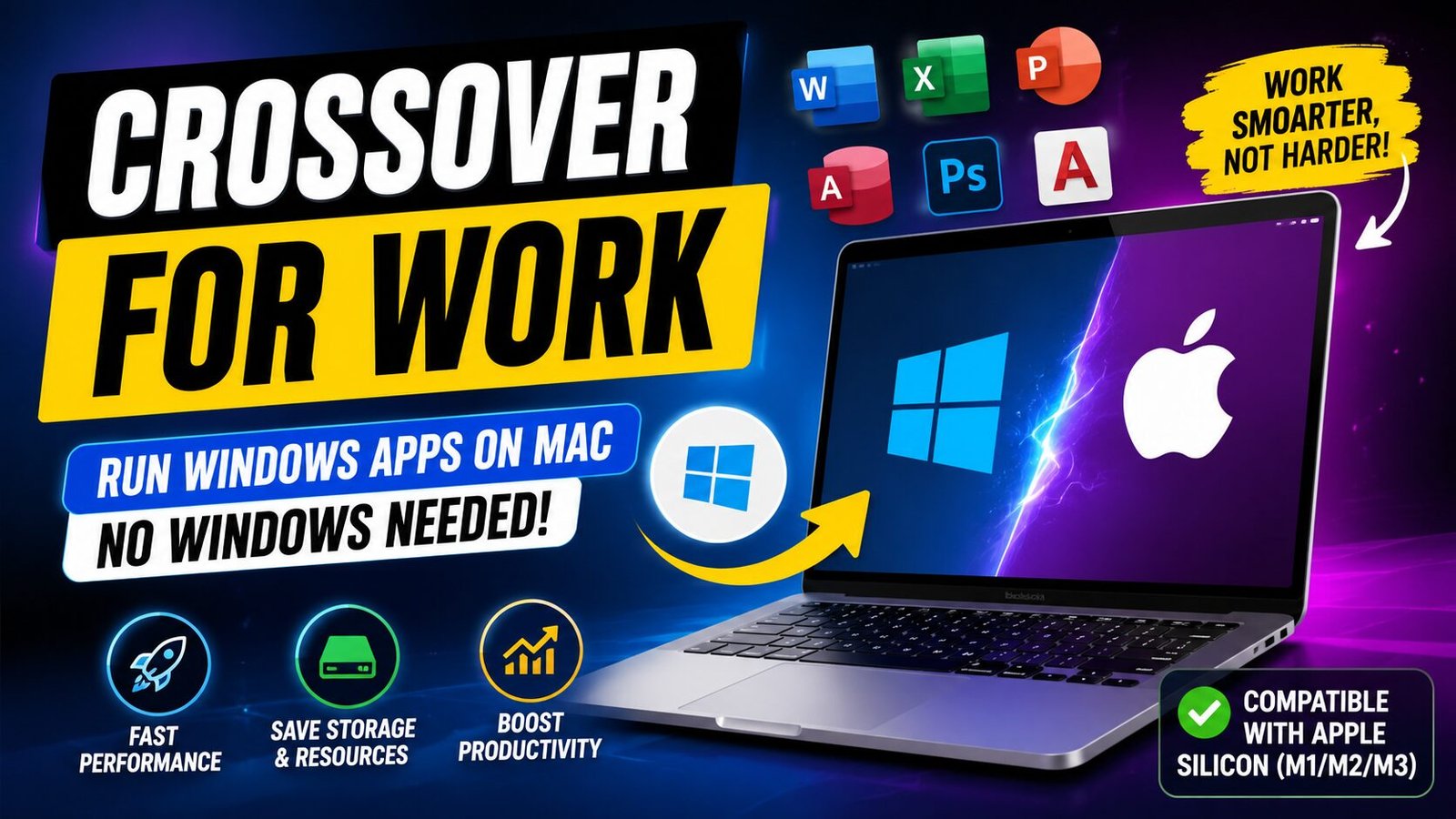
Instead of installing a full Windows operating system through virtualization, crossover for work allows many Windows applications to run directly on macOS using compatibility technology. This saves storage, improves performance, and reduces the need for additional Windows licenses in many situations.
Whether you’re a developer, designer, office worker, student, or business owner, understanding how crossover for work functions can help you access essential Windows software more efficiently. This guide explains everything from its features and setup process to benefits, troubleshooting, and future developments.
What Is Crossover for Work?
Definition and Background
Crossover for Work is a commercial compatibility application developed by CodeWeavers that enables Windows software to run on macOS and Linux without installing Microsoft Windows itself.
Rather than acting as a virtual machine, it translates Windows system calls into macOS-compatible instructions using Wine technology. This approach provides a lighter and often faster experience compared to traditional virtualization.
The software has been actively developed for years and continues improving compatibility with thousands of Windows applications.
Purpose and Relevance
The popularity of crossover for work continues growing because many businesses depend on Windows-exclusive software.
It is commonly used for:
- Business productivity applications
- Accounting software
- Legacy enterprise programs
- Engineering tools
- Development software
- Educational applications
- Selected Windows games
Its importance has increased as more professionals switch to Apple Silicon Macs while still requiring Windows programs.
Key Features of Crossover for Work
Easy Windows Application Installation
Users can install supported Windows applications through a guided interface without manually configuring Wine.
No Windows Installation Required
Unlike virtual machines, crossover for work often allows software to operate without installing Windows.
Bottle Management
Applications are organized into isolated environments called Bottles, preventing conflicts between programs.
Each Bottle can have:
- Separate Windows versions
- Independent libraries
- Individual settings
- Different application configurations
Optimized Performance
Since no virtual operating system runs in the background, applications typically consume fewer system resources.
Apple Silicon Support
Modern versions support Apple M-series processors through translation technologies and ongoing compatibility improvements.
Main Functionalities of Crossover for Work
The software offers several powerful capabilities.
Application Compatibility
Thousands of Windows applications can run directly on macOS.
Examples include:
- Microsoft Office versions
- Business management software
- Development tools
- Utility programs
- Selected PC games
Multiple Windows Versions
Different applications can simulate different Windows environments, including:
- Windows 7
- Windows 10
- Windows 11 (compatibility layers)
Library Management
Required Windows libraries can often be installed automatically.
Easy Configuration
Advanced users can customize:
- DLL overrides
- Graphics settings
- Runtime libraries
- Environment variables
Unique Aspects That Differentiate It
Several features separate crossover for work from competing solutions.
Lightweight
No complete Windows operating system runs in the background.
Lower Resource Usage
Memory and storage requirements remain significantly smaller than virtual machines.
Faster Startup
Applications usually launch much faster.
Integrated Experience
Windows applications behave more like native Mac applications.
Commercial Support
Unlike standard Wine, users receive updates, bug fixes, and technical support.
How Crossover for Work Works
Step-by-Step Explanation
The overall process is straightforward.
Step 1
Install Crossover on macOS.
Step 2
Create a Bottle for the application.
Step 3
Select the Windows application installer.
Step 4
Crossover configures compatibility settings.
Step 5
Required libraries are installed.
Step 6
Launch the application directly from macOS.
Technical Overview (Simple Language)
Instead of creating a virtual computer, crossover for work acts like a translator.
When a Windows program requests Windows-specific functions, Crossover converts those requests into commands macOS understands.
This compatibility layer eliminates much of the overhead associated with virtualization.
Benefits of Using Crossover for Work
Professionals choose crossover for work for many reasons.
Better Performance
Applications often perform better than virtual machines because Windows itself is not running.
Saves Storage
No large Windows installation is necessary for many supported applications.
Lower Memory Usage
System RAM is used more efficiently.
Easy Software Management
Applications remain organized inside Bottles.
Cost Savings
Organizations may reduce infrastructure costs depending on their software requirements.
Practical Use Cases
Many professionals benefit from crossover for work.
Developers
Run Windows development tools on macOS.
Accountants
Access Windows-only accounting software.
Students
Use educational applications unavailable for Mac.
Engineers
Operate specialized technical software.
Designers
Run legacy creative software that lacks modern Mac support.
Popular Tools Related to Crossover for Work
Several technologies complement or compete with crossover for work.
Wine
The open-source compatibility layer that serves as the foundation for Crossover.
Best For
- Advanced users
- Developers
- Free compatibility solutions
Parallels Desktop
Runs a complete Windows virtual machine.
Best For
- Maximum compatibility
- Enterprise software
- Full Windows environments
VMware Fusion
Another virtualization platform for macOS.
Best For
- IT professionals
- Testing environments
- Multiple operating systems
Apple Game Porting Toolkit
Useful for testing Windows games on Apple Silicon.
Best For
- Game developers
- Compatibility testing
How to Get Started
Starting with crossover for work is relatively simple.
Installation Guide
Step 1
Download Crossover from the official website.
Step 2
Install the application like any macOS program.
Step 3
Launch the software.
Step 4
Create a new Bottle.
Step 5
Search for your Windows application.
Step 6
Follow the installation wizard.
Step 7
Launch the installed application.
Tips for Beginners
Follow these recommendations.
- Check application compatibility before installation.
- Keep Crossover updated.
- Use separate Bottles for unrelated software.
- Back up important Bottle configurations.
- Install recommended libraries when prompted.
Pros and Cons
Pros
- No full Windows installation required
- Lower system resource usage
- Faster application startup
- Easy interface
- Good productivity software support
- Active development
- Regular updates
Cons
- Not every Windows application is supported
- Some advanced software may experience compatibility issues
- Certain games may not function perfectly
- Commercial license required after the trial period
- Advanced configuration can require technical knowledge
Common Issues and Troubleshooting
Even though crossover for work is user-friendly, some issues can occur.
Application Won’t Install
Possible causes:
- Unsupported software
- Missing runtime libraries
- Damaged installer
Solution
- Verify compatibility.
- Update Crossover.
- Create a fresh Bottle.
Program Crashes
Possible reasons include:
- Incorrect Bottle settings
- Missing dependencies
- Graphics compatibility issues
Solution
- Reinstall the application.
- Install recommended components.
- Try another Windows version within the Bottle.
Poor Performance
Common causes include:
- Resource-heavy software
- Large projects
- Graphics limitations
Solution
- Close unnecessary applications.
- Update macOS.
- Use optimized compatibility settings.
Missing Fonts or Visual Errors
Sometimes Windows fonts are unavailable.
Solution
Install additional font packages through Crossover’s component manager.
Future of Crossover for Work
The future of crossover for work looks promising as demand for cross-platform productivity continues to grow.
Several trends are expected.
Improved Apple Silicon Support
Developers continue optimizing compatibility for M-series processors.
Better Business Software Compatibility
More enterprise applications are expected to receive improved support.
Enhanced Gaming Support
Graphics technologies continue advancing, improving compatibility for DirectX-based applications.
AI-Assisted Configuration
Future versions may automatically optimize compatibility settings based on application requirements.
Faster Updates
Frequent compatibility improvements should continue expanding the list of supported software.
Best Practices for Using Crossover for Work
To get the most from crossover for work, follow these recommendations:
- Keep Bottles organized by application type.
- Install updates regularly.
- Back up important configurations.
- Review compatibility ratings before installing new software.
- Test critical business applications before deploying them in production.
- Use separate environments for development and daily work.
Frequently Asked Questions
Is Crossover for Work free?
It offers a trial version, but continued use requires a paid license.
Does it install Windows?
No. It uses a compatibility layer instead of installing a full Windows operating system.
Can it run every Windows application?
No. Compatibility varies depending on the application.
Is it faster than virtualization?
For many supported applications, yes, because it avoids running a full Windows operating system.
Does it work on Apple Silicon Macs?
Yes. Modern versions support Apple Silicon with ongoing compatibility improvements.
Is it suitable for businesses?
Yes. Many organizations use it to access Windows software while maintaining macOS workflows.
Conclusion
Crossover for Work is an excellent solution for Mac users who need access to Windows applications without installing a complete Windows operating system. Its lightweight architecture, Bottle-based management, and broad compatibility make it a valuable tool for professionals, developers, students, and businesses alike.
While it does not support every Windows application, it offers an efficient alternative to traditional virtualization for many common workloads. As compatibility continues improving—especially for Apple Silicon devices—its usefulness is likely to grow even further.
If you regularly rely on Windows software but prefer working on macOS, explore crossover for work to see whether it supports your essential applications and simplifies your workflow.